Platform · Orders & Customers
From checkout to fulfillment, keep every order moving.
CheckoutOrder created from the storefront or the counter
PaidPayment registered, invoice issued
PreparingPicked and packed
DeliveredMarked delivered, customer notified
Orders
Order editing
Change lines and the shipping address after purchase.
Payments and invoices
Register payments and issue invoices.
Delivery
Mark as delivered; the customer gets the email.
Refunds and restocking
Restock is on by default.
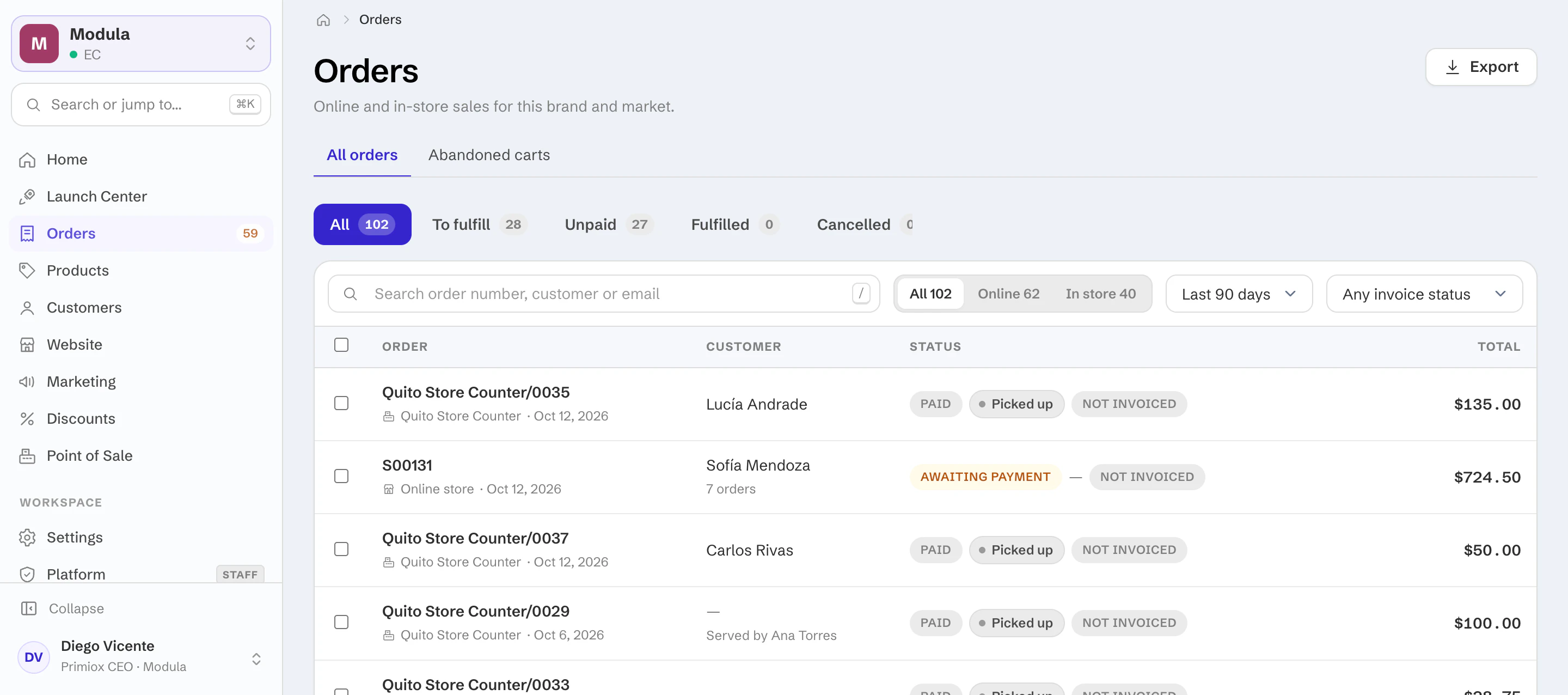
OrdersAll 63To prepare 16Unpaid 40
OrderDateCustomerPayment
Quito Store Counter/0028Counter · Quito store
Sep 28Marco A.PaidS00106Online store
Sep 28A. RiveraPaidS00105Online store
Sep 27D. VegaRefundedS00104Online store
Sep 27M. SolísPaid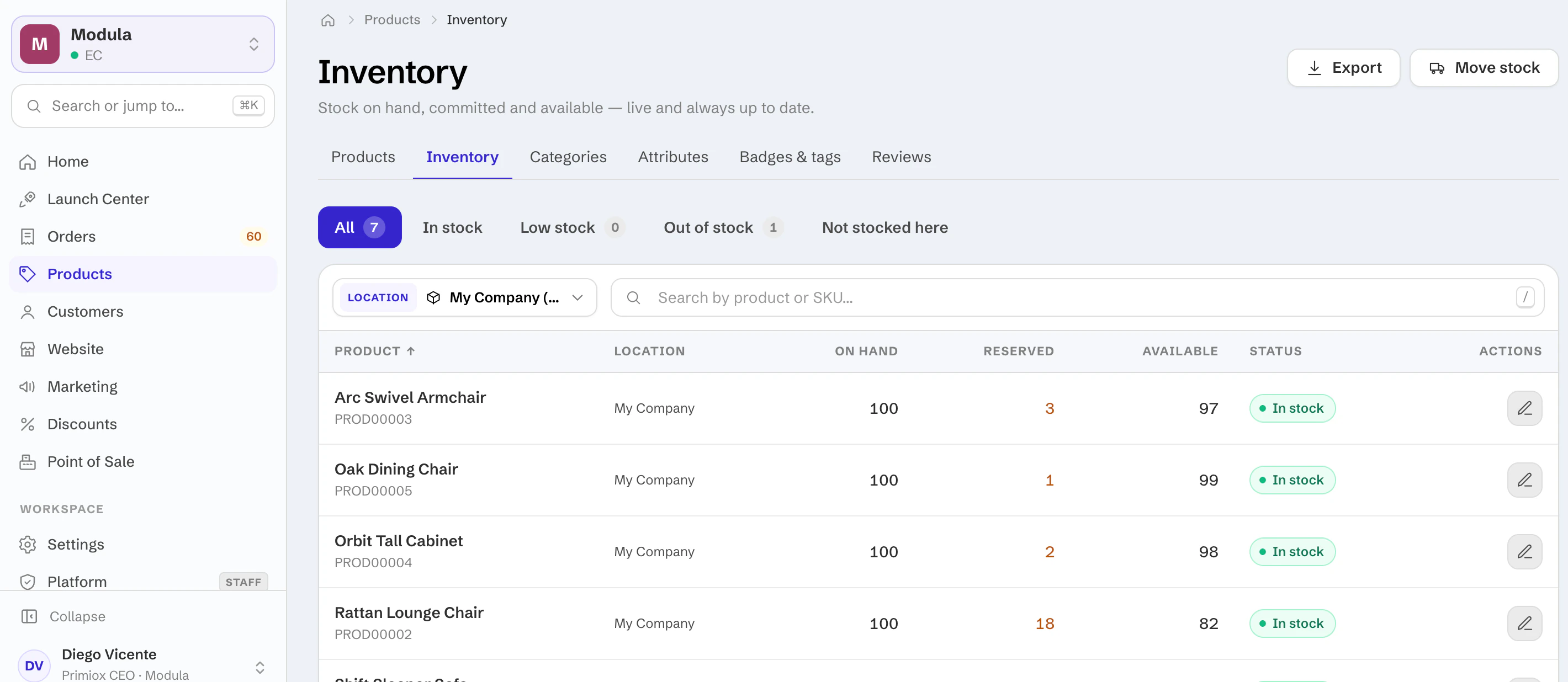
Refund once. Stock comes back.
Refunds post against the order and return the units to stock, so the storefront and the counter are right immediately.
Abandoned carts
See who left — and bring them back.
Abandoned carts are listed with their contents, and recovery emails go out on their own.
System emails
Every customer email, on brand.
Order confirmation, shipping, refunds and account emails all use your styleguide.